The mama.how app for iPhone

One app, four stages.

From trying to conceive to your child’s third birthday. Log what matters, read guides for your stage and keep SOS within reach. The stage changes as your child grows.

The app is not in the App Store yet.

The Today screen in the mama.how app

How it works

Four tabs, the same layout at every stage.

At the bottom: Today, Tools, Guides and Calendar. In the header, a labelled SOS button with the emergency number and a helpline for your country, next to settings.

  1. Today tab

    1Today

    What you use most at your stage: quick entries, the log and what is planned for today.

  2. Tools tab

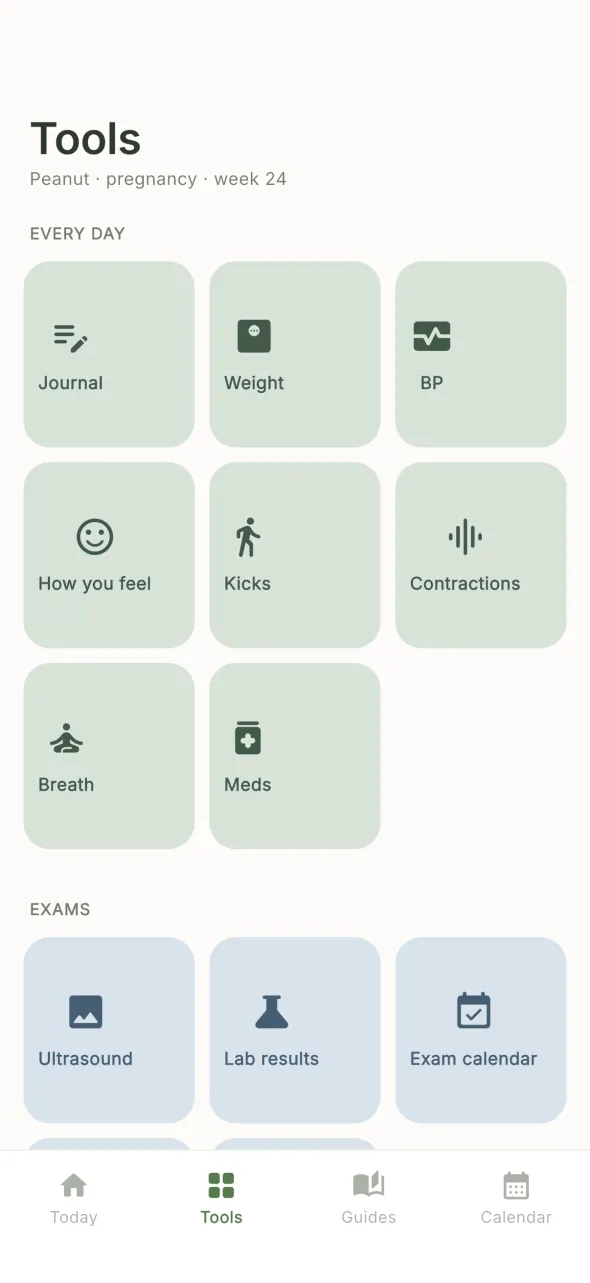
    2Tools

    The full list of features for your stage, in groups. Nothing hides in submenus.

  3. Guides tab

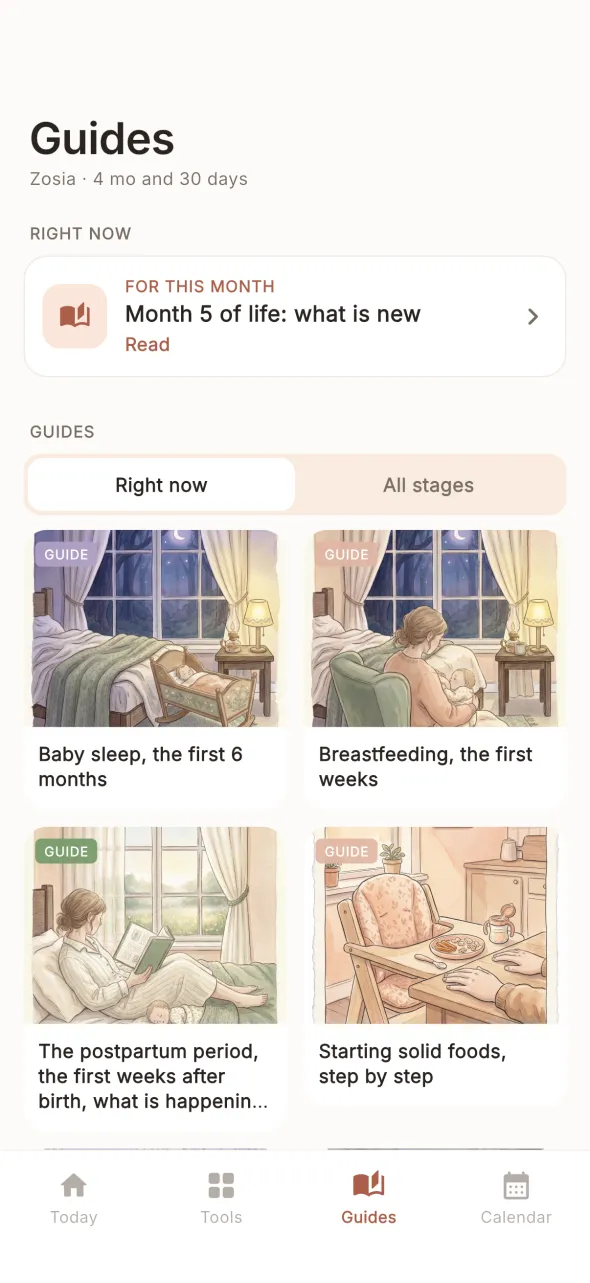
    3Guides

    Guides and printable checklists, filtered by your child’s stage. This is also where you open the mama.how zone on a computer.

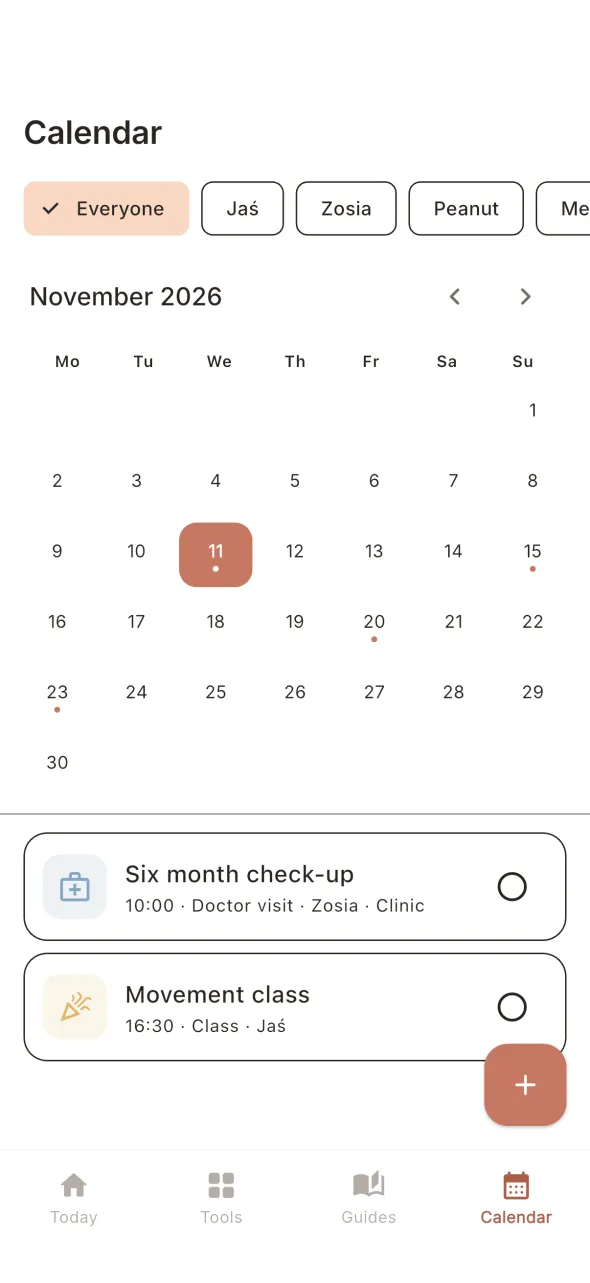
  4. Calendar tab

    4Calendar

    Visits, exams and vaccines for all your children in one calendar.

Stages

What you get at each stage.

Names as in the Tools tab. Items marked Solo need a subscription.

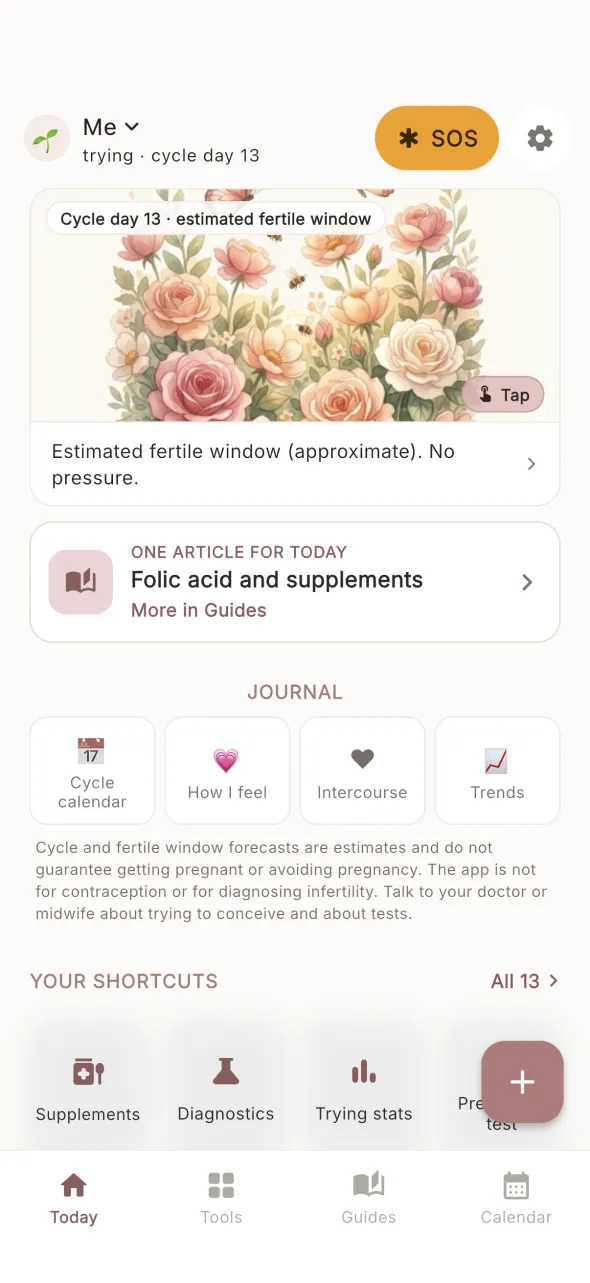
Trying to conceiveuntil the positive test

Trying to conceive

Cycle calendar, temperature, LH tests, mucus and symptoms in one place. The app shows an approximate, estimated fertile window and is not for contraception.

  • Calendar
  • Sex log
  • Lifestyle
  • How you feel
  • Pregnancy test
  • TrendsSolo
  • SupplementsSolo
  • DiagnosticsSolo
  • Trying statsSolo
  • Health cardSolo
  • Export PDFSolo
Today screen while trying to conceive

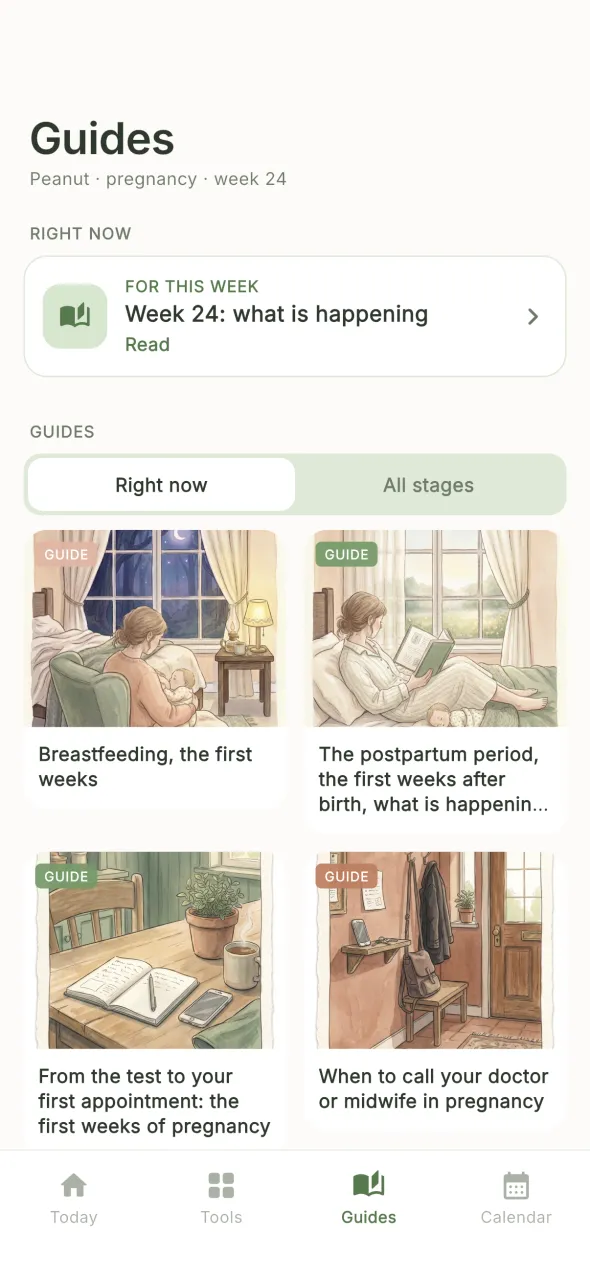
Pregnancyfrom the test to the birth

Pregnancy

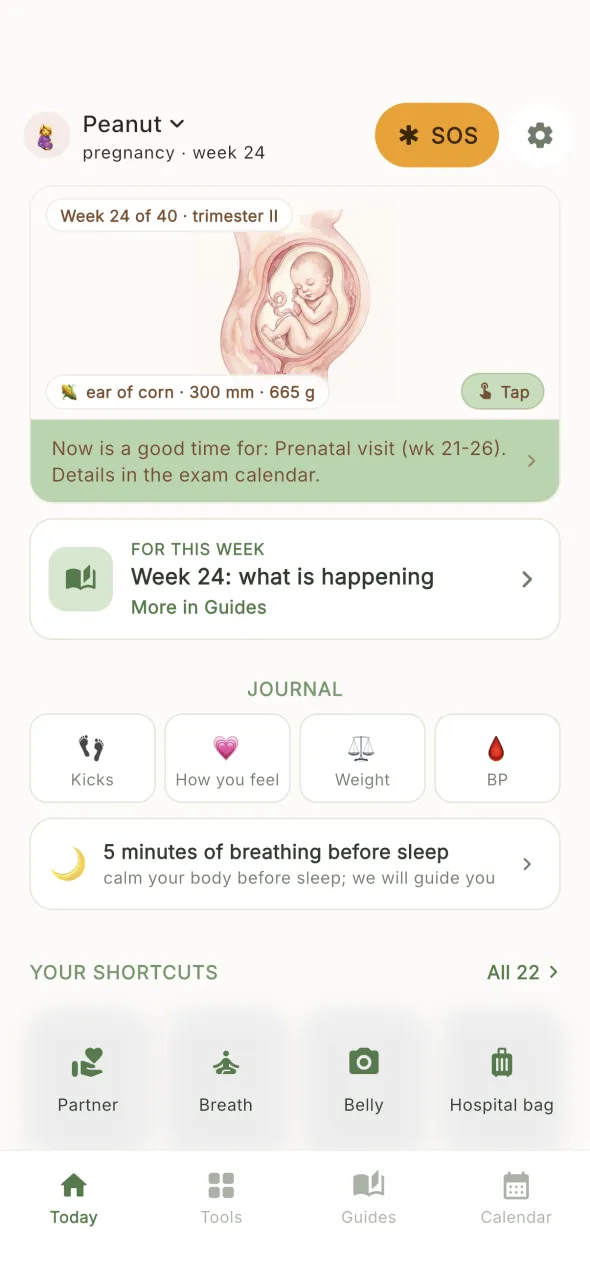
A card for the current week, a journal, kicks as you feel them and a contraction timer. Plus a prenatal exam calendar, vaccines, a hospital bag and a birth plan.

  • This week
  • Journal
  • Belly
  • Weight
  • BP
  • Kicks
  • Contractions
  • Exam calendar
  • Vaccines
  • Hospital bag
  • Names
  • UltrasoundSolo
  • Lab resultsSolo
  • Birth planSolo
  • Pregnancy cardSolo
  • What to avoidSolo
Today screen in pregnancy

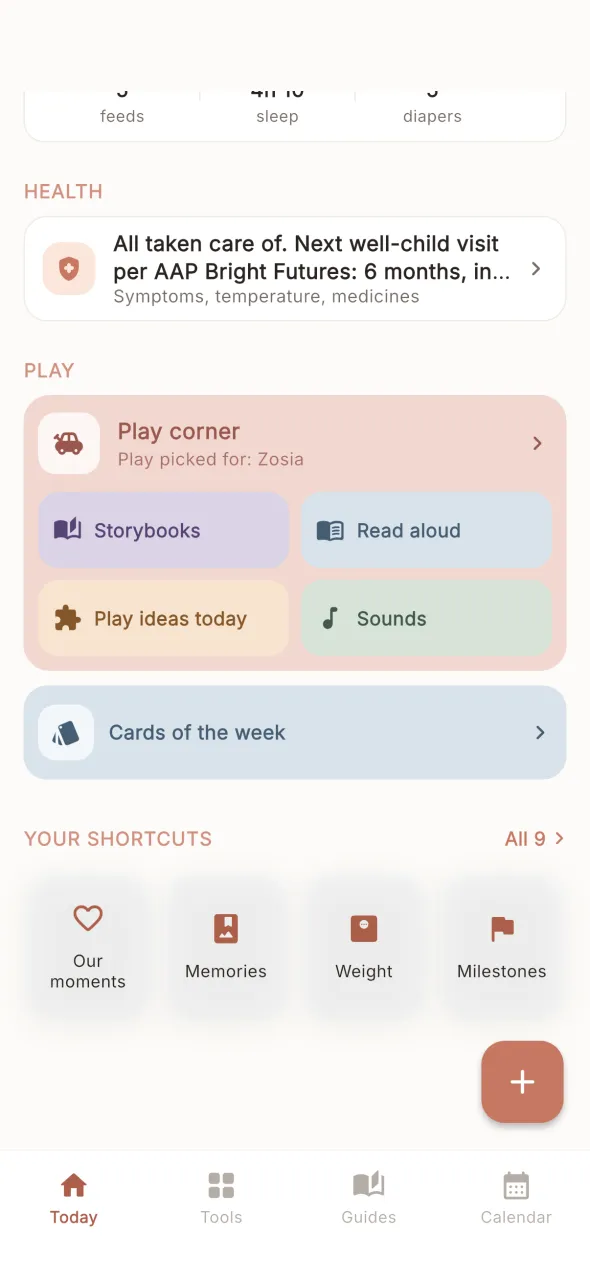
Baby0 to 12 months

Baby

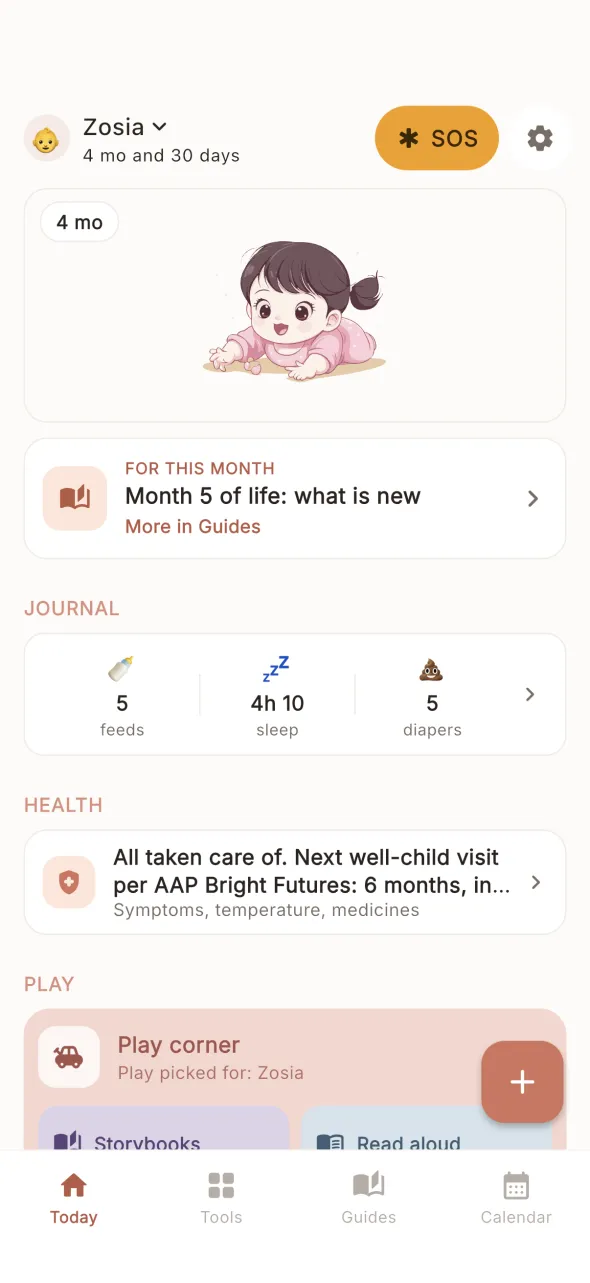
Feeding, sleep and diaper log, health, weight, development and milestones. Cards of the week: contrast patterns to print and hold up by hand, no screen.

  • Diary
  • Health
  • Weight
  • Development
  • Milestones
  • How you feel
  • Our moments
  • Memories
  • Sounds
  • Cards of the weekSolo
  • Play ideasSolo
Today screen with a baby

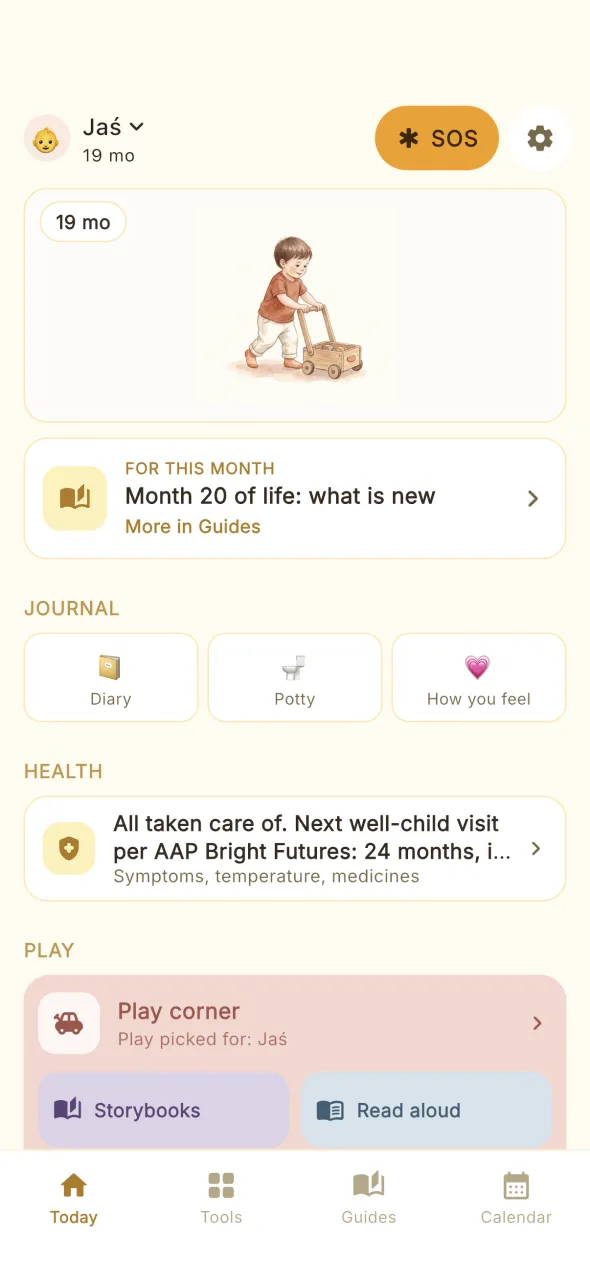
Toddler1 to 3 years

Toddler

Log, potty, fever and medicines, vaccines and development. Stories with printable workbooks, readers and a play corner with games, behind a parent gate.

  • Diary
  • Potty
  • Fever and meds
  • Vaccinations
  • Development
  • Play corner
  • Stories
  • Read aloud
  • Our moments
  • Memories
  • Play ideasSolo
Today screen with a toddler

Across stages

What else is in the app.

A play corner, on purpose

Games, animal scenes and stories. Before the first birthday the play corner is off by default and you decide whether to turn it on. WHO does not recommend screen time for children under 1 year.

Source: WHO, guidelines on physical activity, sedentary behaviour and sleep for children under 5 years of age (2019)

Medicines with reminders

You enter what your doctor prescribed and set reminders. The app never suggests medicines or doses.

How you feel after the birth

Your own sleep and the EPDS questionnaire in How you feel. The score is not a diagnosis; talk it through with your doctor or midwife.

Source: Cox, Holden, Sagovsky, British Journal of Psychiatry (1987)

Weight on WHO charts

Your child’s weight shown on the WHO percentile charts, with no verdict and no alerts. Always discuss the result with your doctor.

Source: WHO Child Growth Standards

The zone on a computer

With Solo and Family: in the Guides tab choose Open on a computer and scan the code at mama.how/premium. Guides and A4 printables open in the browser.

Your data stays with you.

  • No account and no login.
  • Data on your iPhone and in your iCloud backup, if you have one.
  • There is no sync between devices.
  • No ads. Privacy policy

Plans

You start for free.

Solo and Family, monthly or yearly, 7 days free to start for new subscribers.

Free

Free

no subscription, no account

  • One child
  • Logs and simple tools for every stage: cycle, kicks, contractions, weight, potty, memories
  • A card for the current week of pregnancy
  • Family calendar, vaccines, prenatal exams and SOS
  • 5 safety guides
  • The last 30 days of your child’s log history

Solo

price soon

one child

  • Pregnancy and your child’s development, week by week
  • Play corner, stories and workbooks without limits
  • Printable contrast cards for the whole first year
  • Lab results, cycle charts and PDF reports for your doctor
  • All 25 guides and your child’s full log history
  • The mama.how zone on a computer: guides and A4 printables

Family

price soon

every child in the family

  • Everything in the Solo plan for every child
  • Apple Family Sharing: your family use the subscription on their own iPhones
  • Each person keeps their own data in the app

Apple charges your Apple ID account. The subscription renews automatically unless you turn it off at least 24 hours before the end of the period. Purchases and refunds are handled by Apple.

Questions

When will the app be in the App Store?

It is not there yet. Sign up for the mama.how newsletter, and in the meantime use the guides and tools on this site.

Which devices does it run on?

iPhone only (iOS 15.5 or later). There is no iPad or Android version.

Do I need an account?

No. There is no account and no login. Your data stays on your iPhone and in your iCloud backup, if you have one. There is no sync between devices.

What if I have two children?

Free and Solo cover one child. The Family plan covers every child in the family.

Does the app replace a doctor?

No. Health content is for information, and health screens show their sources. If in any doubt, contact your doctor or midwife or go to the hospital.

How do I cancel?

You buy and cancel the subscription in the App Store, in your Apple account settings. Purchases and refunds are handled by Apple.